
Create. Schedule. Publish. Track.
AccountPilot is a desktop creator publishing workspace for authorized TikTok creators. Connect a TikTok account, prepare local media, choose publishing settings, publish now or schedule it for later, and track status from one workspace.
AccountPilot Desktop must already be running on this computer at 127.0.0.1:8000. If it is not running, start the desktop application first, then return to this page.
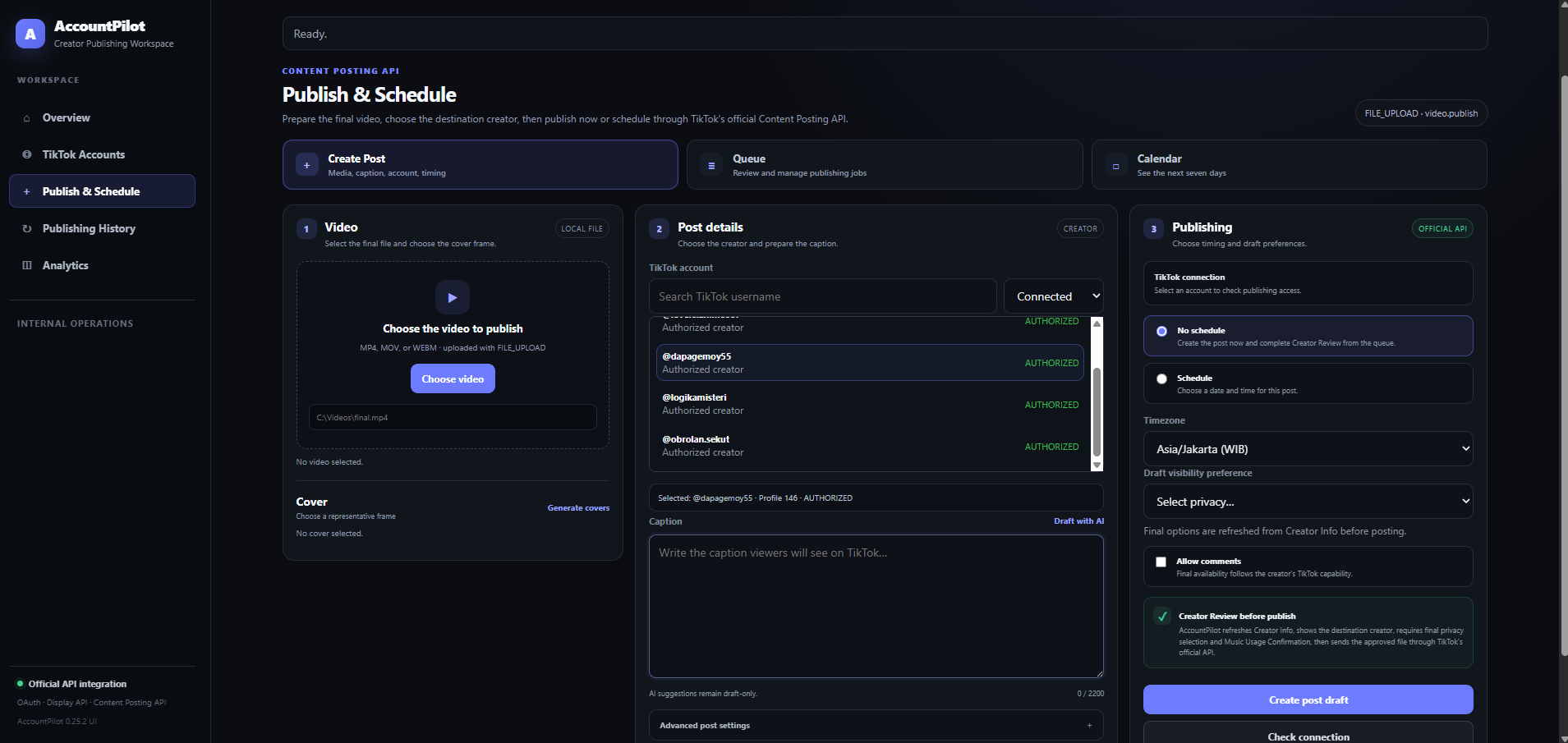
A reviewer-visible path from authorization to publishing.
The public website identifies the product. The desktop application handles the local creator workflow and TikTok authorization.
Built around creator authorization and explicit publishing choices.
AccountPilot uses TikTok developer integrations only for product functions requested by authorized creators and content teams.
Login Kit
Creators authorize their own TikTok account before connected-account features become available.
Publishing settings
Current creator publishing options are refreshed before the final action.
Content Posting API
Creator-selected local media is prepared for supported TikTok publishing workflows.
Direct Post
Publish now is the final action. AccountPilot sends the prepared post directly to TikTok and tracks processing status.
Publishing decisions remain visible to the creator.
AccountPilot is not designed to hide account selection or publishing choices behind an opaque automation step.
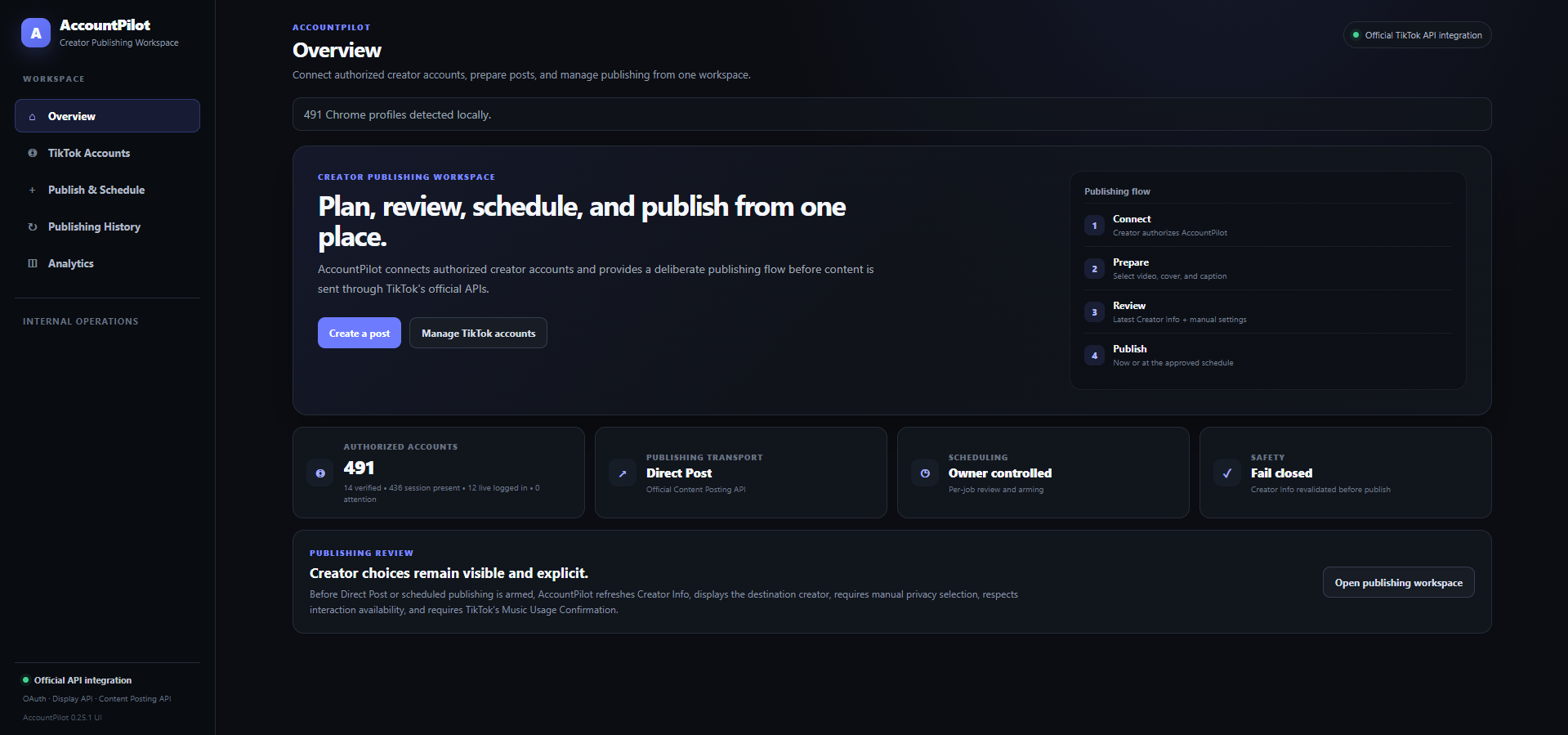
Public website → AccountPilot Desktop → TikTok authorization.
This site is the official public product website for AccountPilot. The desktop application runs locally and opens at 127.0.0.1:8000 on the review computer.